


 Destination Anywhere
Van electrical
Entertainment and Device Charging on Van Power
Small loads add up when they run all day.
Phones and lights rarely attract the attention that cooktops do, but continuous electronics can quietly reshape the daily budget. List each device, its real use time, and how it is powered.
_(43467687445).jpg)
An illustrative 15 W router left on all day consumes 360 Wh. A 40 W screen used for three hours adds 120 Wh. These are hypothetical loads, not product ratings. Together they require 480 Wh before any additional conversion losses, which is nearly half of this series' 984 Wh base-day example.
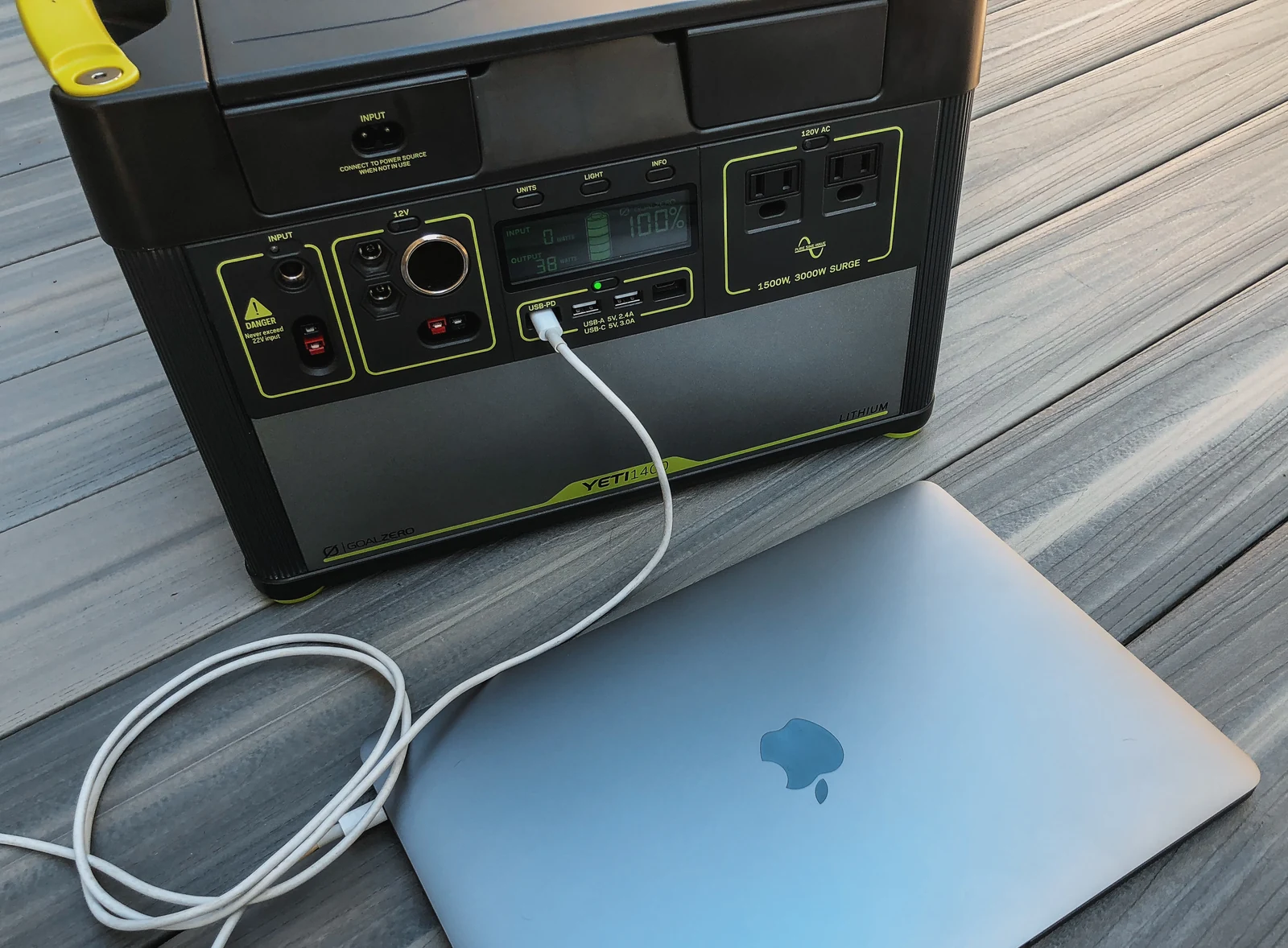
Laptop charger wattage often describes capacity rather than constant demand. Measure a representative work session that includes charging a low battery, video calls, and the software you actually use. A gaming session can differ substantially from reading documents.
Compatible DC USB charging can avoid routing battery power through an AC inverter and back through a wall adapter. Verify the required Power Delivery profiles, cable capabilities, and device compatibility; a USB-C connector alone does not establish charging power. The USB Implementers Forum explains that higher-power delivery also has corresponding cable requirements. USB Implementers Forum Power Delivery.
Keep a separate allowance for charging small devices, camera batteries, speakers, and any mobile internet equipment. If the inverter stays on for one adapter, include idle hours when that device is absent or asleep.
For a practical test, charge everything through the intended setup for a full day and record battery-side Wh. Decide which loads are optional when weather reduces charging. A scheduled internet session or downloaded entertainment may preserve power without changing the trip's essentials.
Return to the complete van electrical guide, or revisit inverter sizing.